Make AI work
Make AI part of how your organization works.
Choose suitable tools, connect the information people need and establish clear working practices. We help you move from separate subscriptions and experiments toward a setup people can use responsibly in everyday tasks.
Discuss your AI setupHow we work with you
- 01
Choose what you need
We look at your tasks, current systems, costs, access and constraints, then agree what is worth setting up first.
- 02
Set up tools and information
Depending on your plans and the agreed scope, we set up assistants, knowledge sources, workflows, access and approval points.
- 03
Establish working practices
Agree approved uses, how information is handled, who reviews what and when to escalate.
- 04
Help people use it
Guidance, learning and a pilot, with clear ownership so the setup keeps working after we step back.
- 05
Check whether it helps
Start from a baseline, track checking and correcting time, note limitations and plan the next improvements.
Assessment, setup, implementation, learning and ongoing support are agreed explicitly. Operational policy and readiness support depend on the engagement. Formal legal interpretation and specialist security work require appropriate expertise. We do not guarantee compliance or certification.
Selected work
Three aspects of one organizational AI implementation
Drawn from the founder's prior professional work. These examples describe experience brought to Esfer; they are not three Esfer client engagements. Organization details are omitted. Visuals are illustrative reconstructions, not client screenshots.
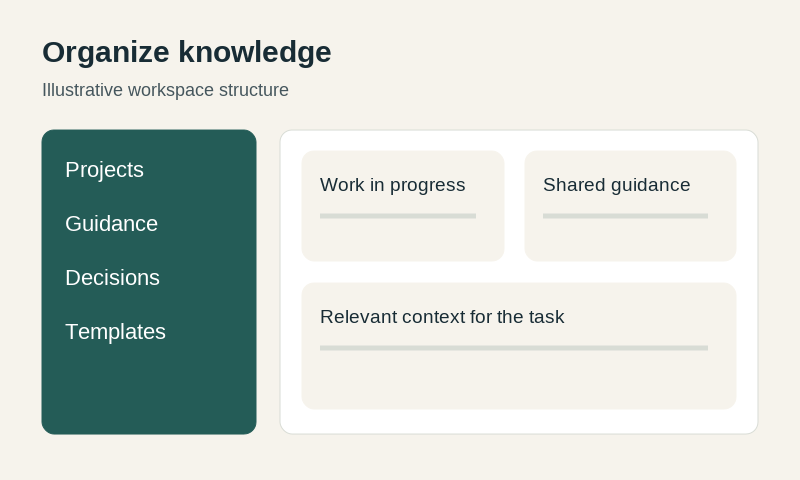
Illustrative reconstruction Shared knowledge workspace
- Challenge
- Useful information was spread across documents and working conversations.
- Work
- Structured a Notion workspace around projects, guidance, decisions and reusable resources.
- What it demonstrates
- Organizing knowledge so people and suitable AI tools can find relevant context.
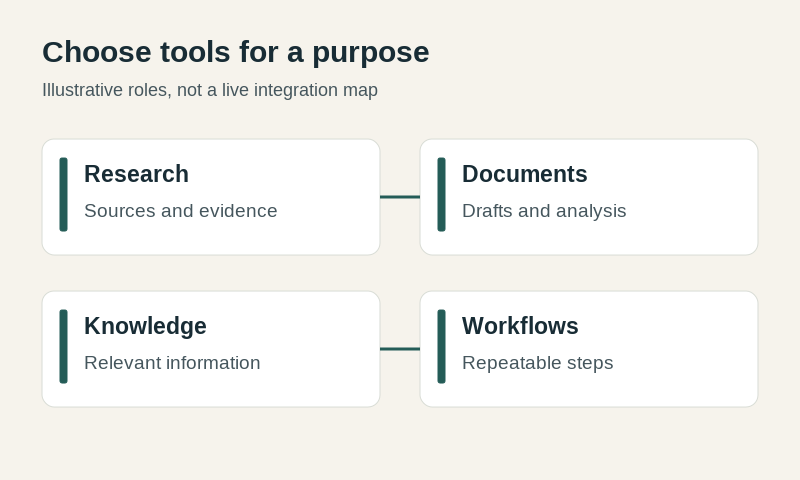
Illustrative reconstruction An AI toolkit shaped around the work
- Challenge
- Different tools were being considered for overlapping needs.
- Work
- Worked on the setup and roles of Notion, Microsoft Copilot, Claude and ChatGPT around everyday organizational tasks.
- What it demonstrates
- Starting with the task and information needs before choosing a tool.
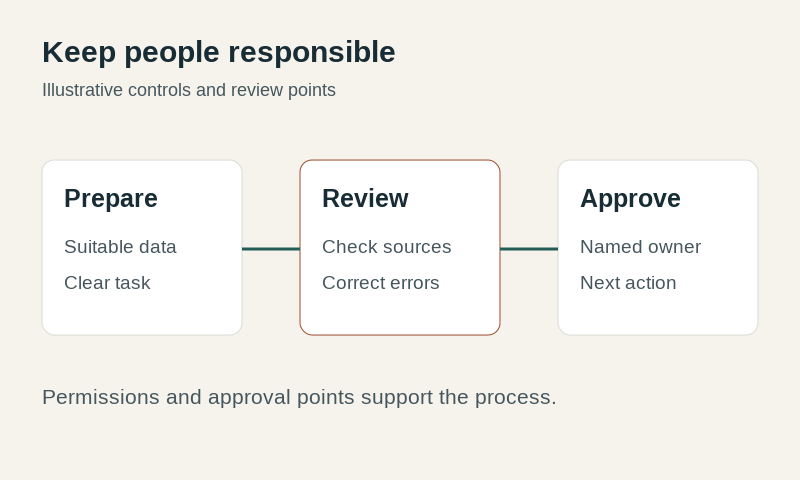
Illustrative reconstruction Working practices around AI
- Challenge
- Introducing tools also raises questions about appropriate use and review.
- Work
- Developed practical guidance on using AI in the organization and supporting adoption.
- What it demonstrates
- Connecting tool setup with responsibilities, information handling and human judgment.
Tools we work with
 Microsoft Copilot
 ChatGPT
 Claude
 Notion
 Zapier
Independent services. Tool names and logos belong to their respective owners; no partnership or endorsement is implied.